Magic Eraser

If there are objects in your background image you'd like to get rid of (such as cars, signs, people, etc.) use the Magic Eraser to erase them.
Step One
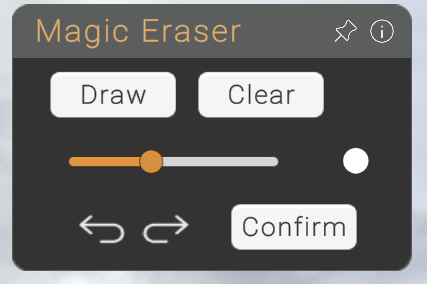
Click draw to begin.
Step Two
Adjust the size of your pen tool using the slider.
Step Three
Click and hold to draw on the area you'd like to be magically erased.
Step Four
When finished, press CONFIRM in the menu to finalise. It may take upto 30 secounds to remove the object
NOTE
While the magic eraser is working, any added content may temporarily disappear, but don't worry, your content will reappear once the process has finished!